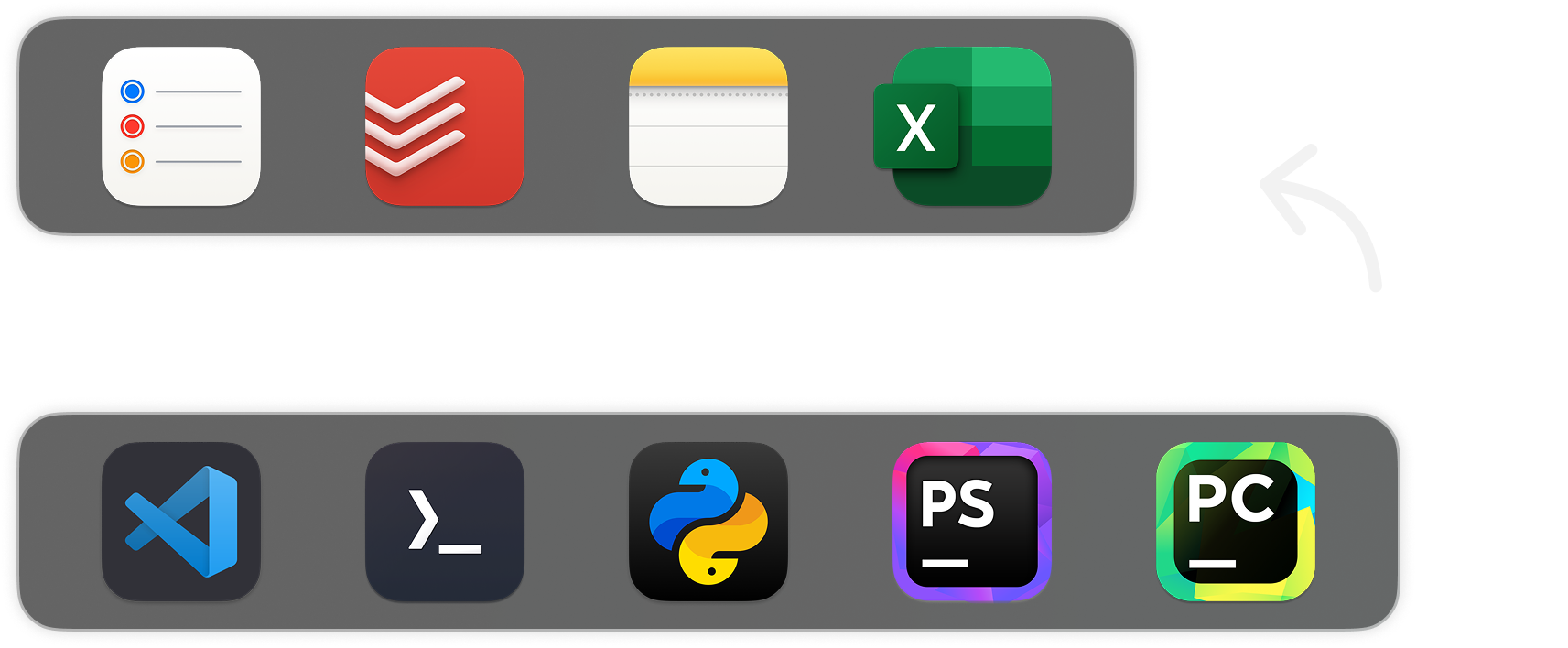
Stay In Flow.
Dock By Dock.
Whether you're coding, designing, or jumping between tasks, DockFlow helps you switch into the right workflow instantly. One-time setup, lifetime productivity.
Install via Homebrew

Whether you're coding, designing, or jumping between tasks, DockFlow helps you switch into the right workflow instantly. One-time setup, lifetime productivity.
Install via Homebrew

In

Your workflow
finally flows.
Start the year with
40% OFF
In
Your workflow
finally flows.
Start the year with
40% OFF
No Permissions Needed
DockFlow works with the native macOS Dock.
No learning curve. No overcomplication.
🔒 DockFlow doesn't require any permissions.
Just open the apps you use for your workflow
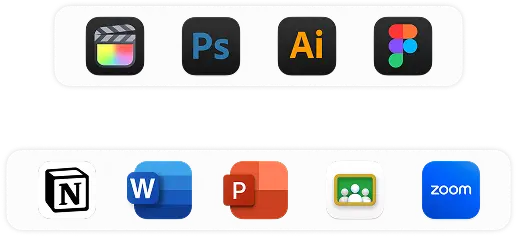
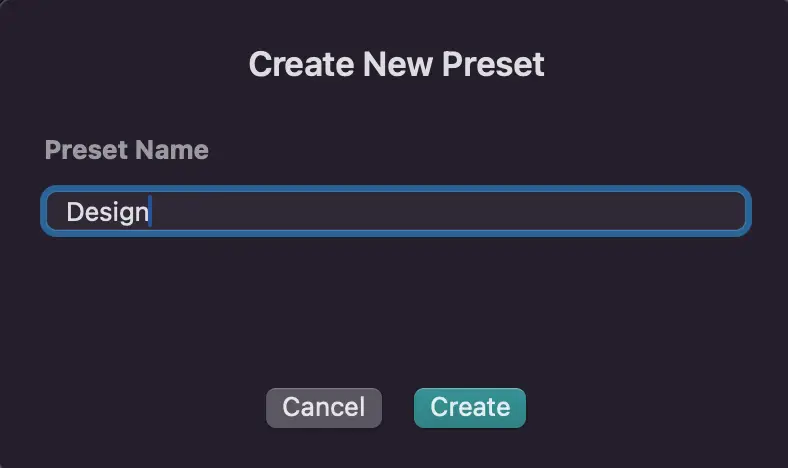
In the app, enter a name like "Design" and click "Save Current Dock."
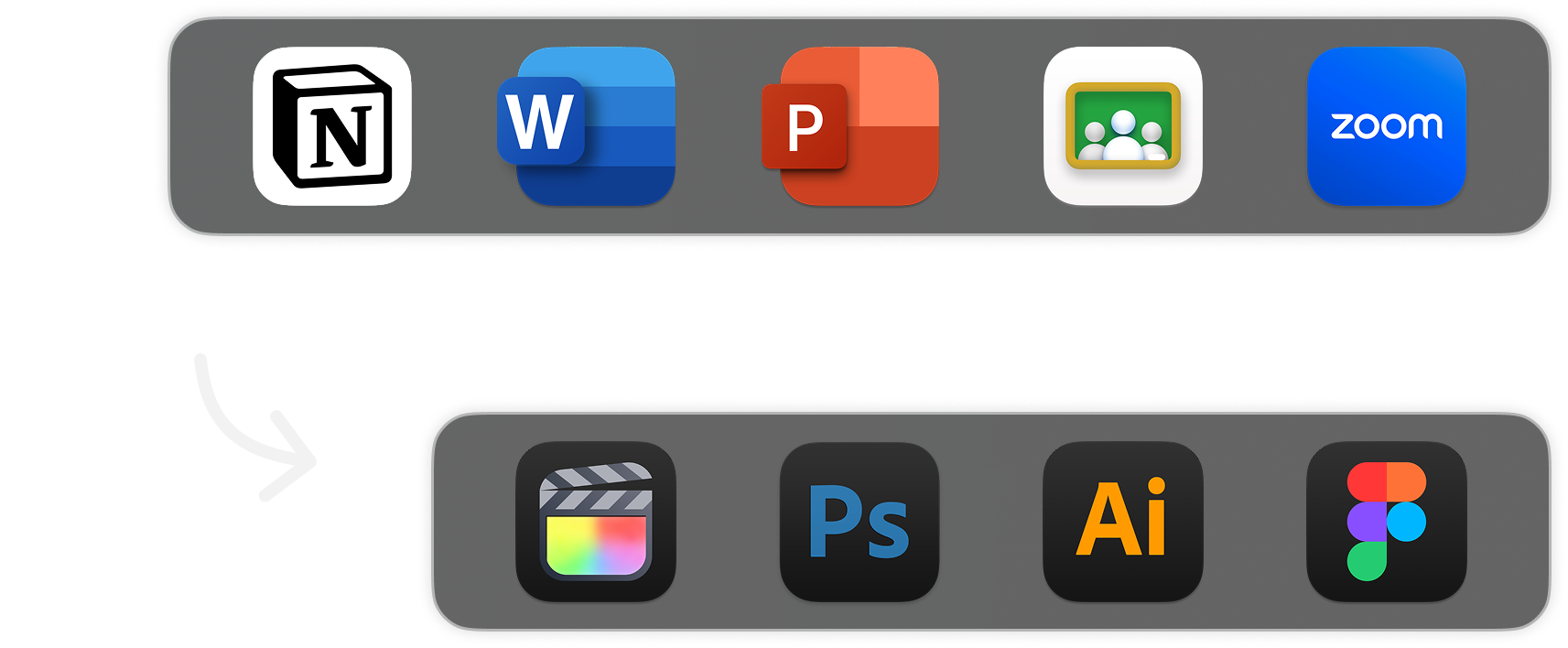
Change your Dock layout anytime, with a single click.
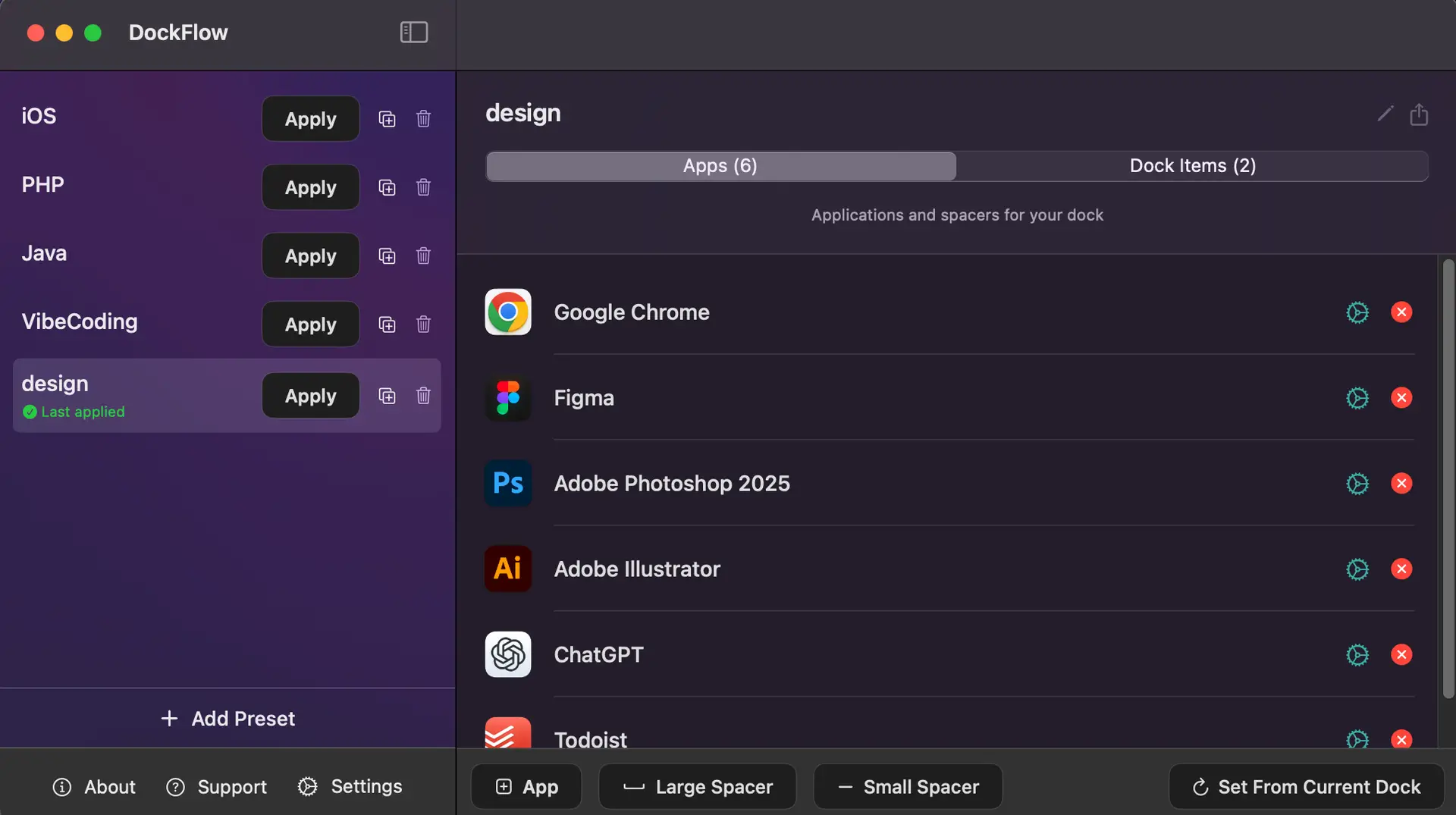
The core is simple. But if you want more, DockFlow's got your back.
Watch all our main features in action
With DockFlow it's just one click away.
Pick the plan that works for you.
Yearly subscription or one-time lifetime access.
Taxes might apply.
“”
Born from Frustration, Built for Focus.
As a developer working across multiple technologies, I found myself constantly rearranging my macOS Dock and launching different apps for design, coding or writing.
Every context switch meant precious minutes lost and mental focus disrupted.
That daily pain led me to build DockFlow – a productivity app that simplifies workspace setup.
With just one click, DockFlow lets you switch between Dock presets, close the apps you don't need and launch the apps you do. Instant setup.
No more dragging icons or searching for the your tools – DockFlow helps you manage your projects and workflows.
DockFlow is built for multitaskers who switch between projects constantly.
Stop wasting time on Dock management — DockFlow does it automatically.

WAIT! DON’T MISS OUT OUR NEW YEAR SALE
40% OFF
You don’t know how much you need DockFlow until you try it.
Use 40% off on our Lifetime Access license and a full refund if you're not satisfied, within 30 days.

WAIT! DON’T MISS OUR NEW YEARS SALE
40% OFF
You don’t know how much you need DockFlow until you try it.
40% off on our Lifetime licenses and a full refund if you're not satisfied, within 30 days.
Note: A license purchase is required for activation.
To install DockFlow, run the following command in your terminal:
brew install --cask dockflow
Copied to clipboard